

AI Baby Generator
Discover what your baby could look like with Canva’s AI baby generator. Upload a photo, describe details like gender, and get a lifelike image you can download, customize, or turn into a design.
Learn about Canva’s upload formats and requirements. See how we use your content in our Privacy Policy.

A first look at your future baby
Ever wondered what your future baby might look like? With Canva's AI baby generator, it's easy to find out. Upload your photo, describe details like gender and other features, and generate a strikingly realistic baby image. Refine the result, share it on social media, turn it into another Canva design, or simply enjoy imagining.

Creative ways to customize
Once your image is generated, turn it into something truly your own. Dress your baby up for the season with sunglasses or a Christmas hat from our elements library. Switch the background to soft colors like sky blue or pastel pink, or decorate with fun shapes or alphabet stickers. Our AI-powered photo editor lets you fine-tune every detail, so your image feels polished, personal, and ready to share.

Made for life's big moments

Turn it into invitations and cards
Add your AI baby image to baby shower invitations, gender reveal cards, or party decor for a fun and creative way to celebrate.

Share it on social media
Post your AI-generated baby image to your Instagram story, send it in the family group chat, or create a cute collage everyone will love.

Surprise expecting parents
Create a personalized design featuring their future baby, styled around their personalities and interests, for a thoughtful gift that sparks smiles.

Designed for safe, playful use
Canva takes AI safety seriously, with layered safeguards to ensure AI-generated content remains safe and appropriate. The future baby generator is made for lighthearted fun, so use it responsibly. Only upload photos you have the right to use, and treat results as a playful preview rather than a real prediction. See Canva's Terms and Acceptable Use Policy for more details.
An AI baby generator anyone can use

For curious parents-to-be
See a playful preview of what your future baby could look like, from skin tone to facial features.

For celebrating milestones
Turn your image into invites, cards, or party decor that add a personal touch to your baby shower or gender reveal.

For a bit of fun
Enjoy lighthearted moments with friends and family, spark laughter, and share the fun.
All the features you need
Canva's free drag-and-drop design tools make it easy to create any design, fast!

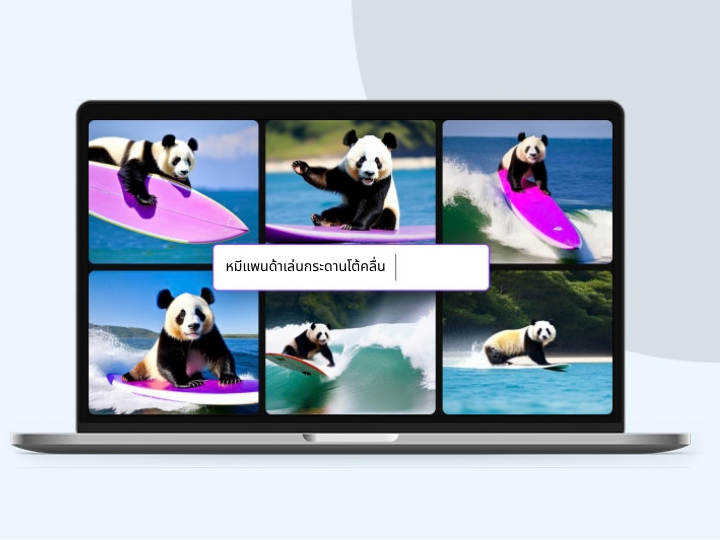
Generate images from text
Create AI images that visualize a product or idea, draft a creative concept, or push the limits of what's possible.

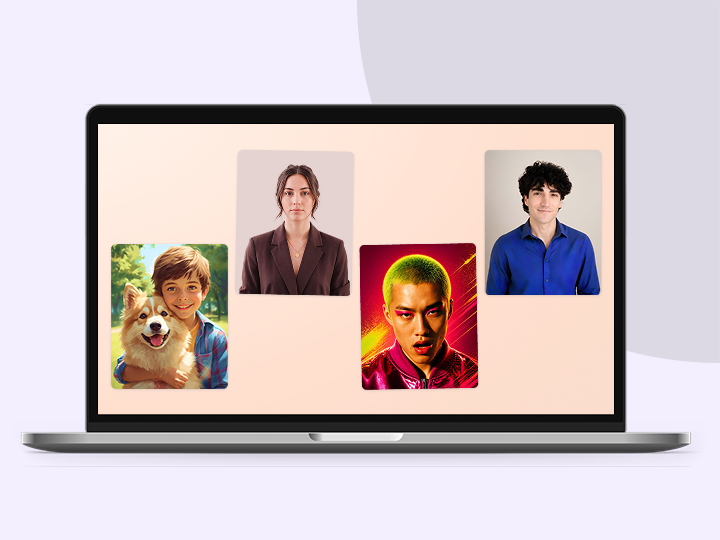
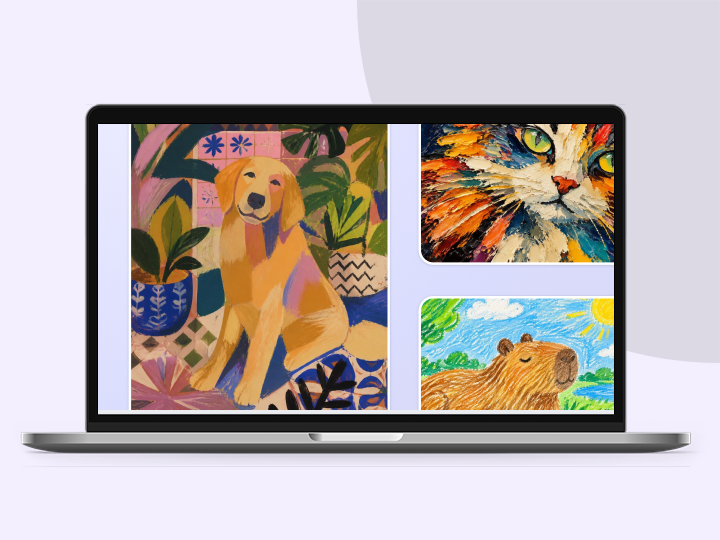
Various art styles available
Render your AI-generated images in stunning art styles like Watercolor, Filmic, Neon, Color Pencil, Retrowave, and more.

Magic Edit
Want to change the color or texture of an object? Or swap the background for something else? Magic Edit lets you add to, replace, or edit your image with a short written prompt.

Magic Eraser
Instantly clean up your image and remove any unwanted distractions with Magic Eraser—no manual editing needed.

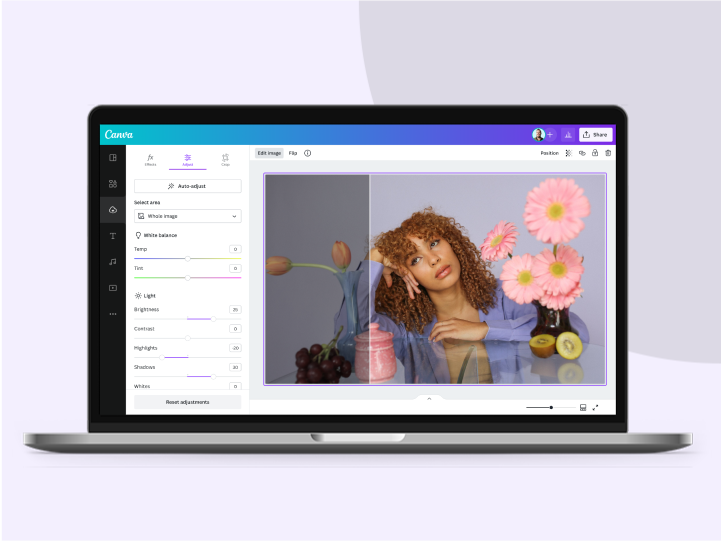
Enhance your images
Use Canva’s Photo Editor to fix your photo’s focus, lighting, and coloring with easy-to-use sliders.

Photo effects & filters
Choose from our selection of adjustable color filters and fun photo effects to remix your photo.
Add Text to Photo
Easily add text to your photo or image to tell a story. Font combinations, colors, and styles available.

One-click background remover
Remove image backgrounds, perfect for product photos, headshots, or transparent PNGs.
Automatically translate your design
With Translate, quickly change the language of your existing design to as many as 100+ languages.
Millions of free images, icons, and graphics
Get access to our entire library of millions of photos, icons, graphics, media elements, audio, sound effects, and more.

Access anywhere and autosave
Jump from device to desktop—design how you work best! Canva autosaves your progress along the way.

Easy sharing and exporting tools
Share and export designs as a JPG, PNG, PDF, and PPTX. And when you embed a doc, you can customize which page will be displayed.

Cloud storage
Get free 5GB storage or upgrade to Canva Pro and get unlimited folders with up to 1TB storage for all your designs.

Real-time collaboration
Create, collaborate, comment on designs, and get everyone on the same page, at the same time, from anywhere.

Content planner (Pro)
Create and schedule content to your favorite social media accounts directly from Canva.
How to generate AI baby photos
Upload your photo
Upload a clear, front-facing photo with good lighting. Log in or sign up for a free Canva account if prompted.Generate your baby image
Canva AI creates a baby image from your photo. Use the prompt box to describe details like gender or other features, then generate your image.Preview your result
Review your AI baby image and make sure it looks the way you want. If needed, adjust your prompt and tap “Regenerate” to create another version.Personalize your image
Open your image in the Canva editor to add effects, filters, frames, text, and other creative touches.Download or keep designing
Download your baby image as a high-quality JPG or PNG, share it on socials, or save it to your Canva account to continue designing.

Your questions, answered
An AI baby generator works by analyzing the facial features in your photo to generate a new image. It uses facial recognition and feature mapping to detect traits like face shape, eyes, nose, and mouth, then applies generative AI to blend these features into a realistic baby image, giving you a preview of what your future baby could look like.
More resources

Create a Beautiful Baby Shower Invitation in Canva
Create custom baby shower invitation designs for free with Canva's easy to use online baby shower invitation maker.

Get inspired with our ideas for girls
Find plenty of inspiration and ideas for baby showers for girls, brought to you by Canva's expert designers.

Find an idea that inspires for boys
Our experts have curated some of their favorite baby shower invitations for boys.
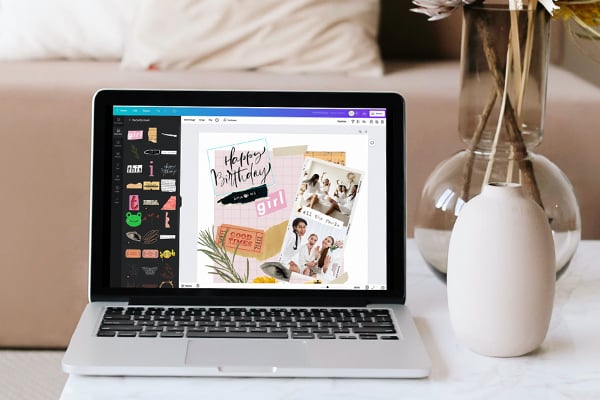
Create a photo collage in Canva
Master, create, and wow with unique photo collages.


AI Baby Generator
Discover what your baby could look like with Canva’s AI baby generator. Upload a photo, describe details like gender, and get a lifelike image you can download, customize, or turn into a design.