Canva home

Company newsletter templates

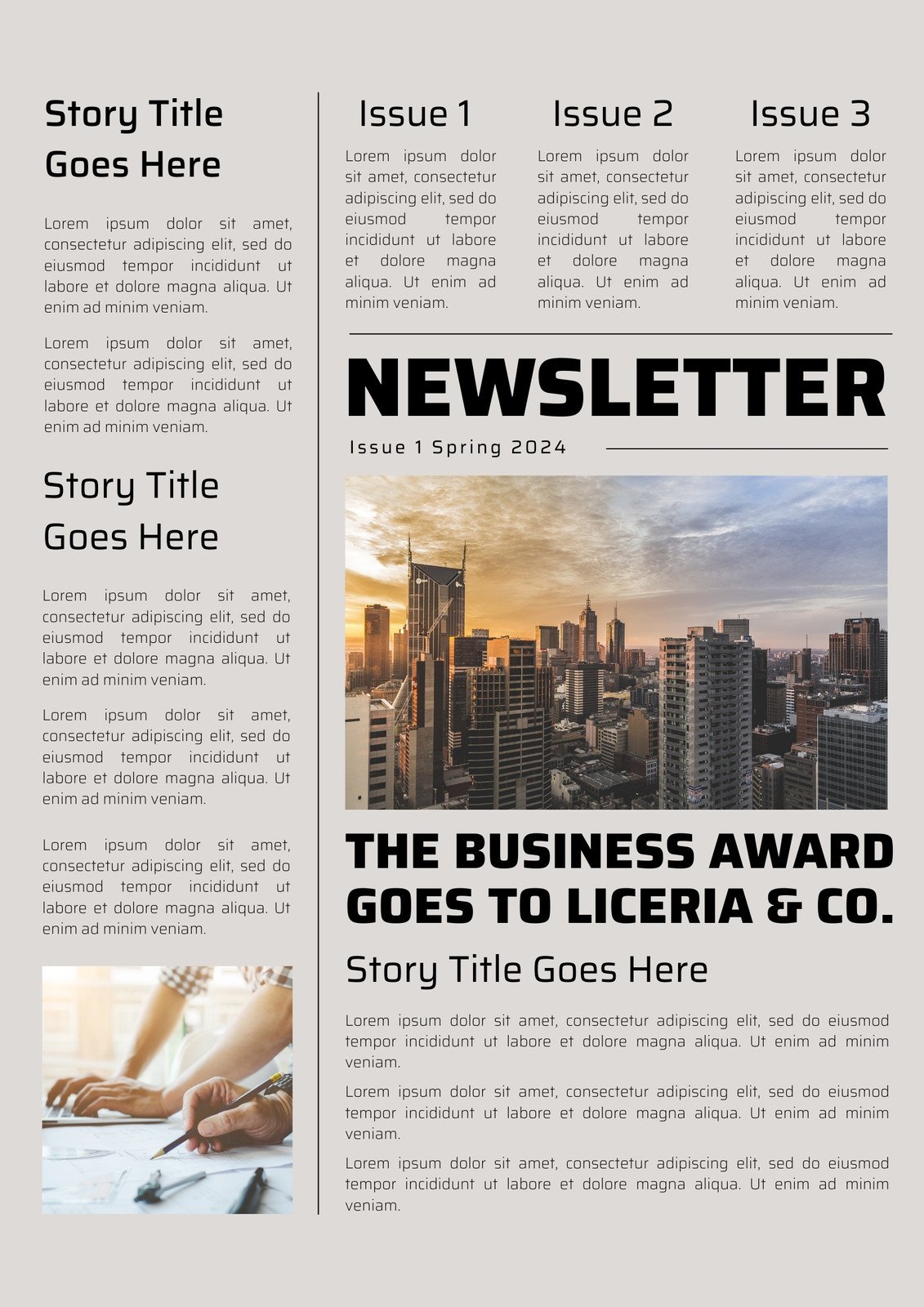
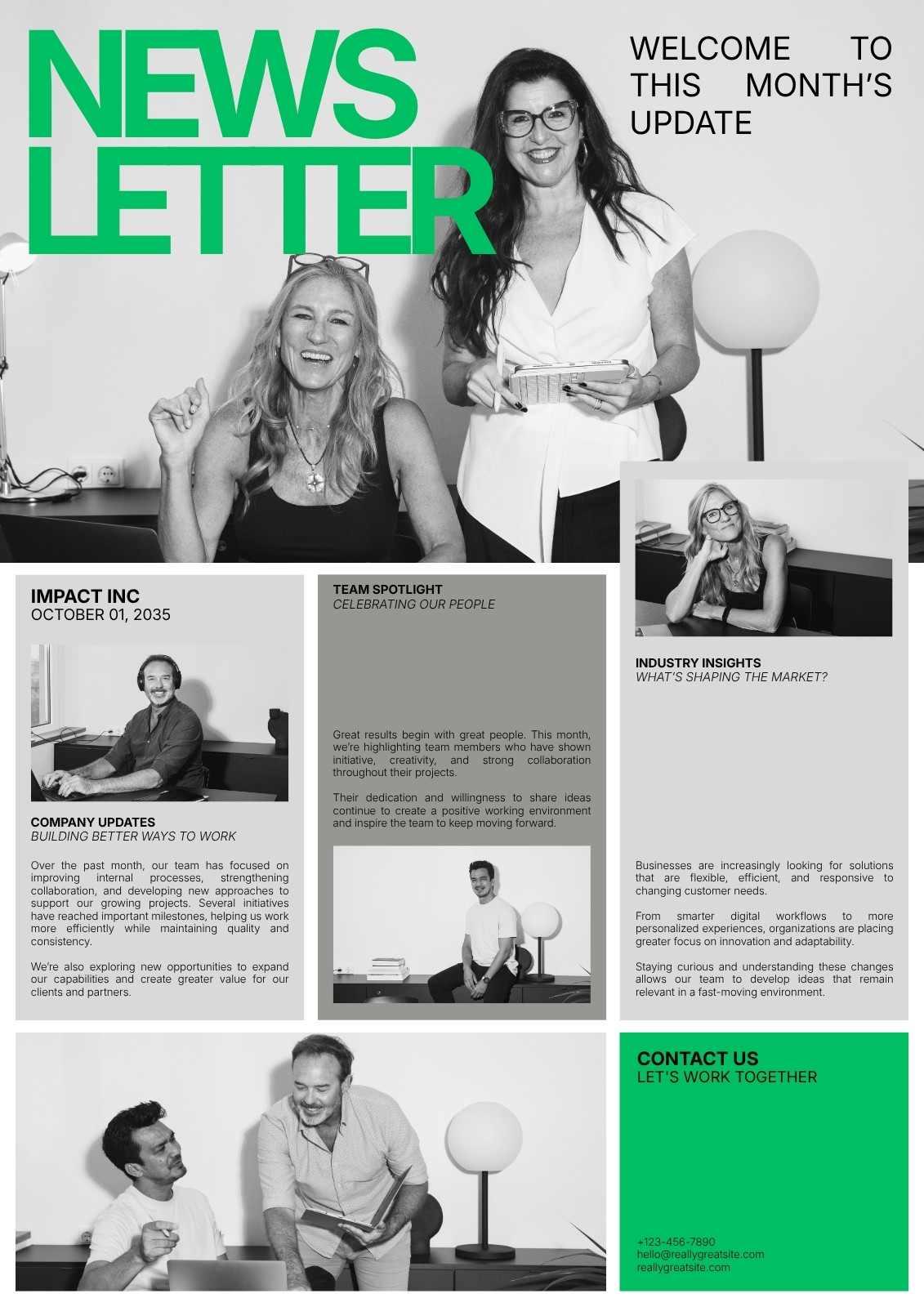
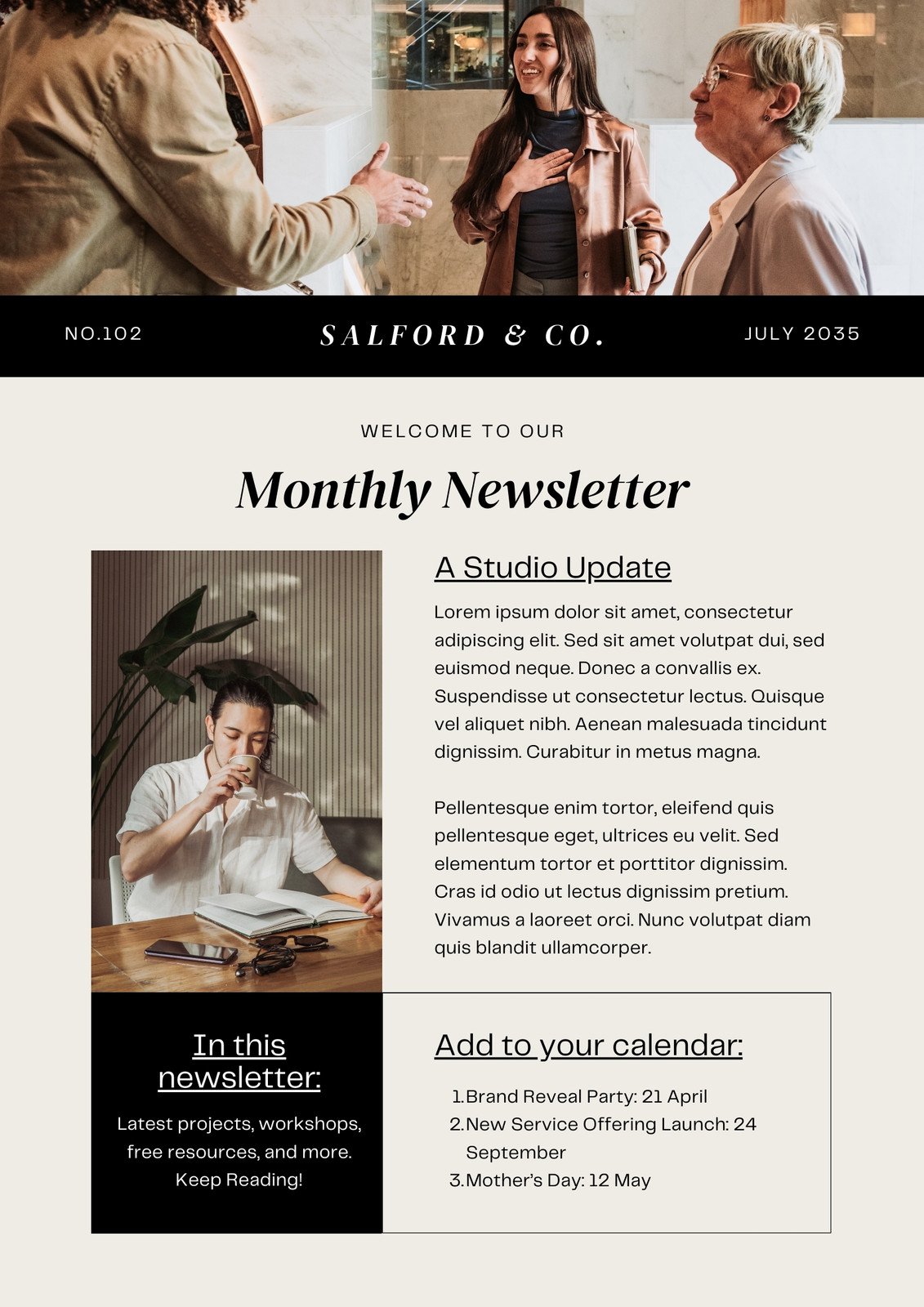
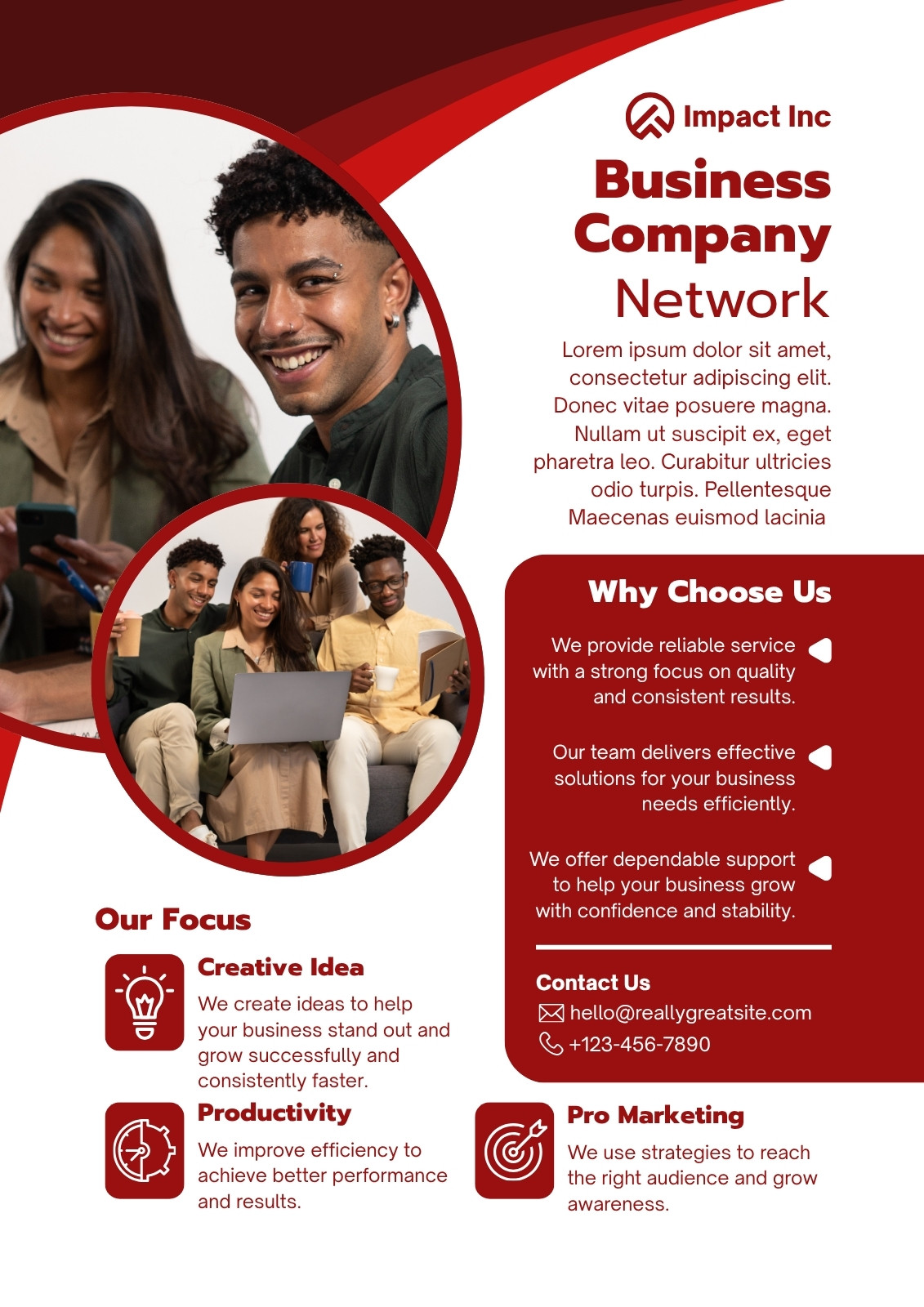
Keep your team updated on all the latest corporate news by sending an engaging company newsletter you can customize from Canva's free and professional templates.More

Create a blank Company Newsletter
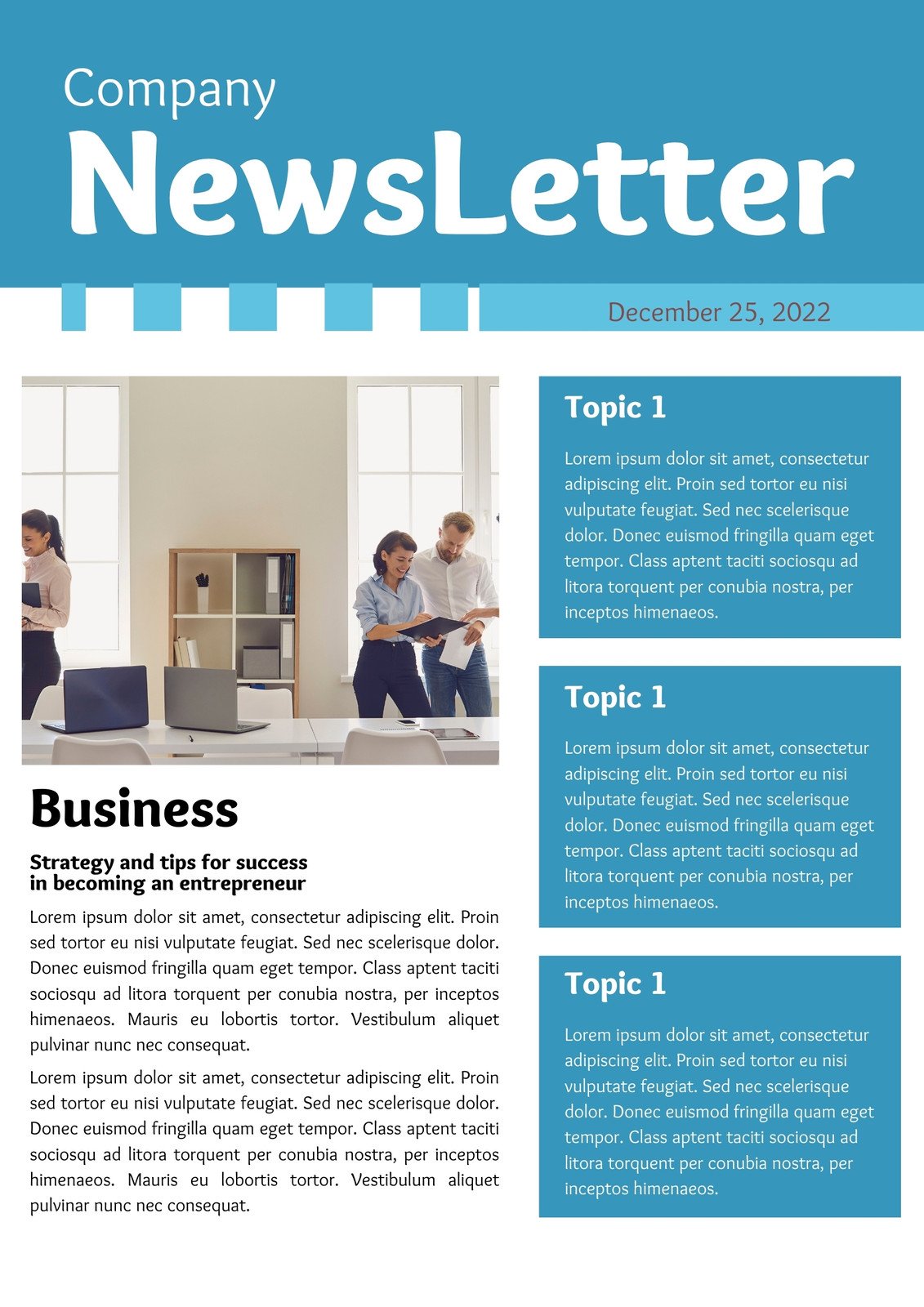
Showing 50 of 605

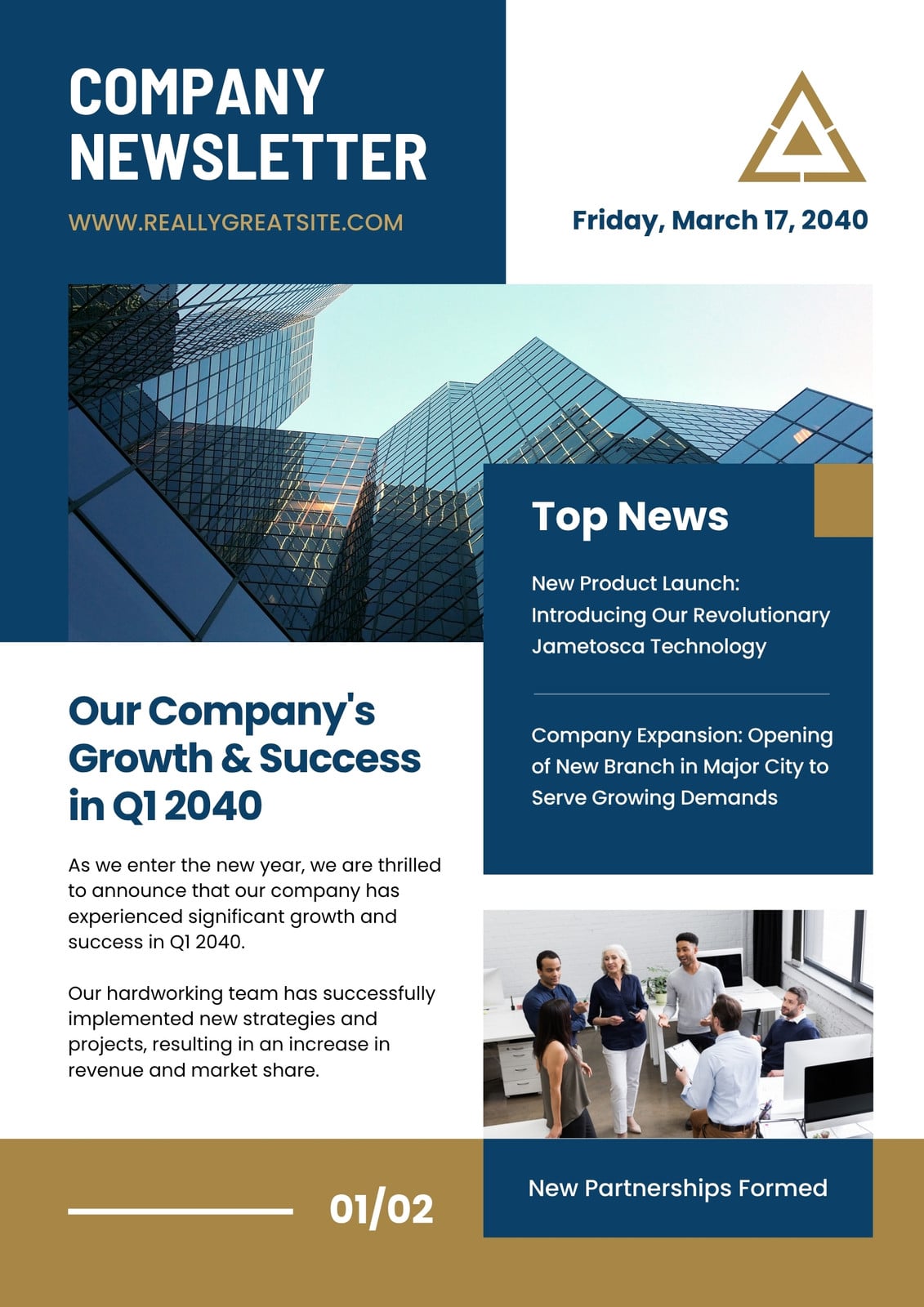
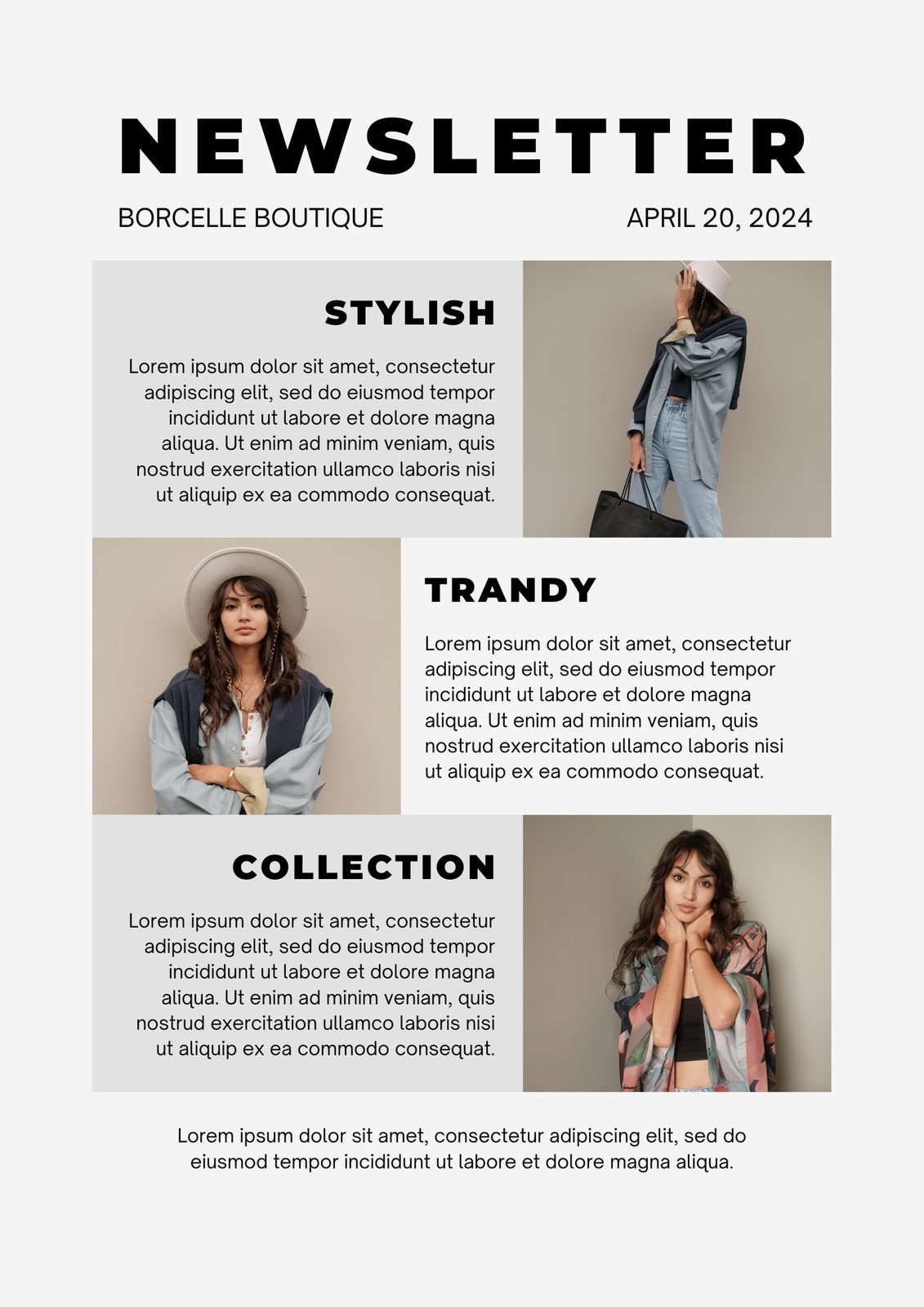
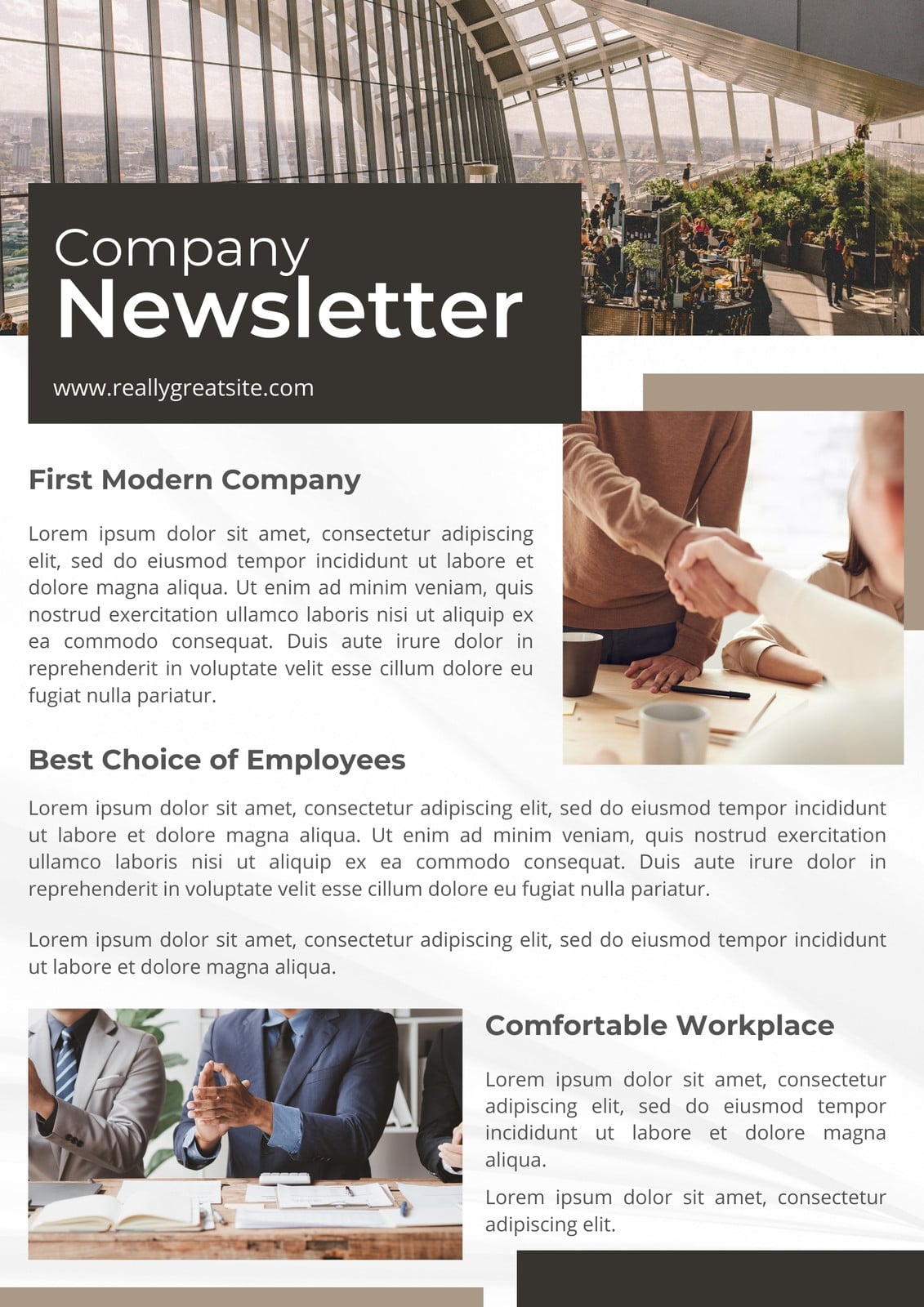
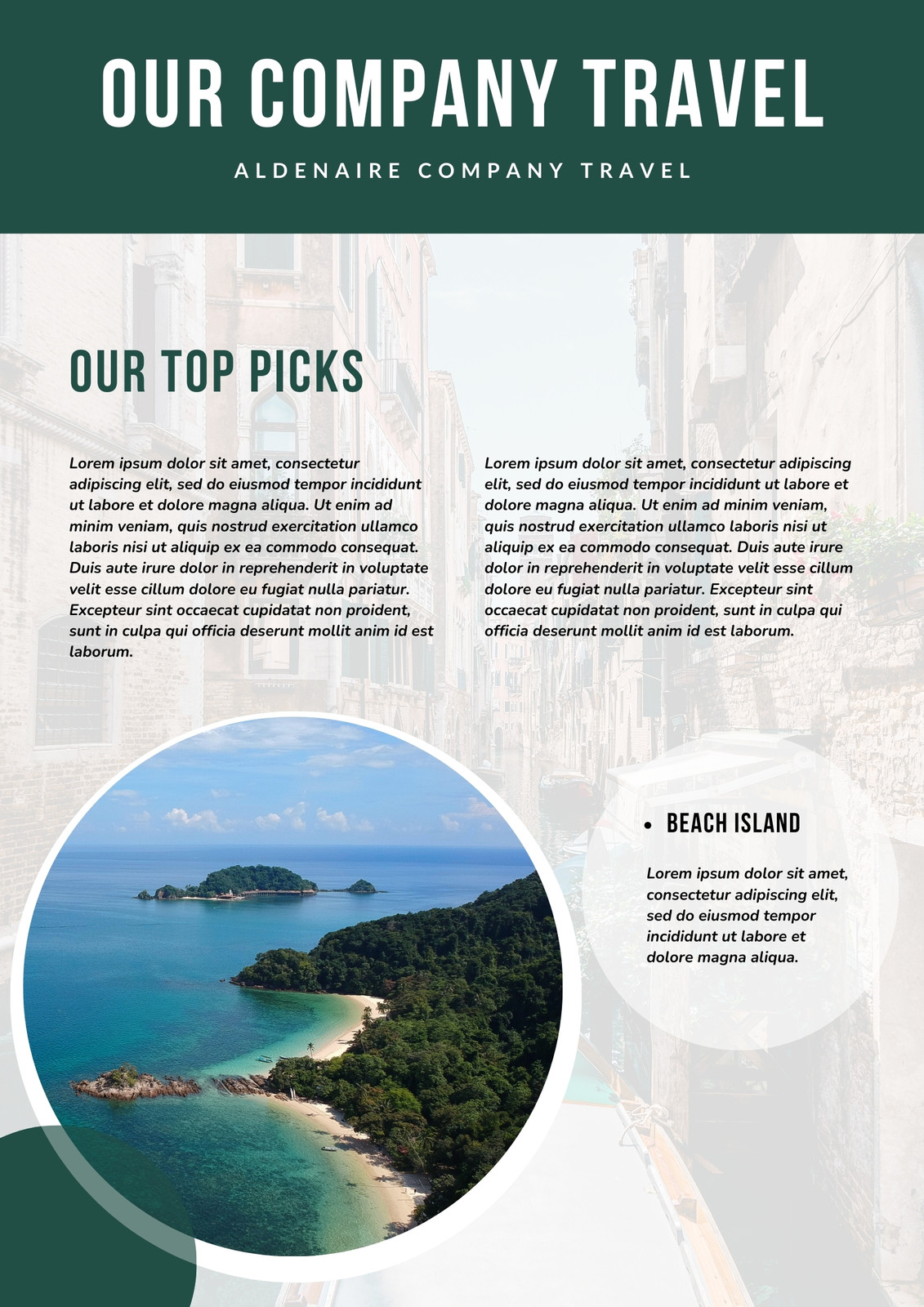
Printable company newsletters by Canva

How can you make sure that your company newsletter is effective and reaches the hearts and minds of your intended audience? It’s not enough to send one regularly and jampack it with information. Make sure your layout looks friendly and readable, your topics relevant, and your articles concise, informative, and with depth.
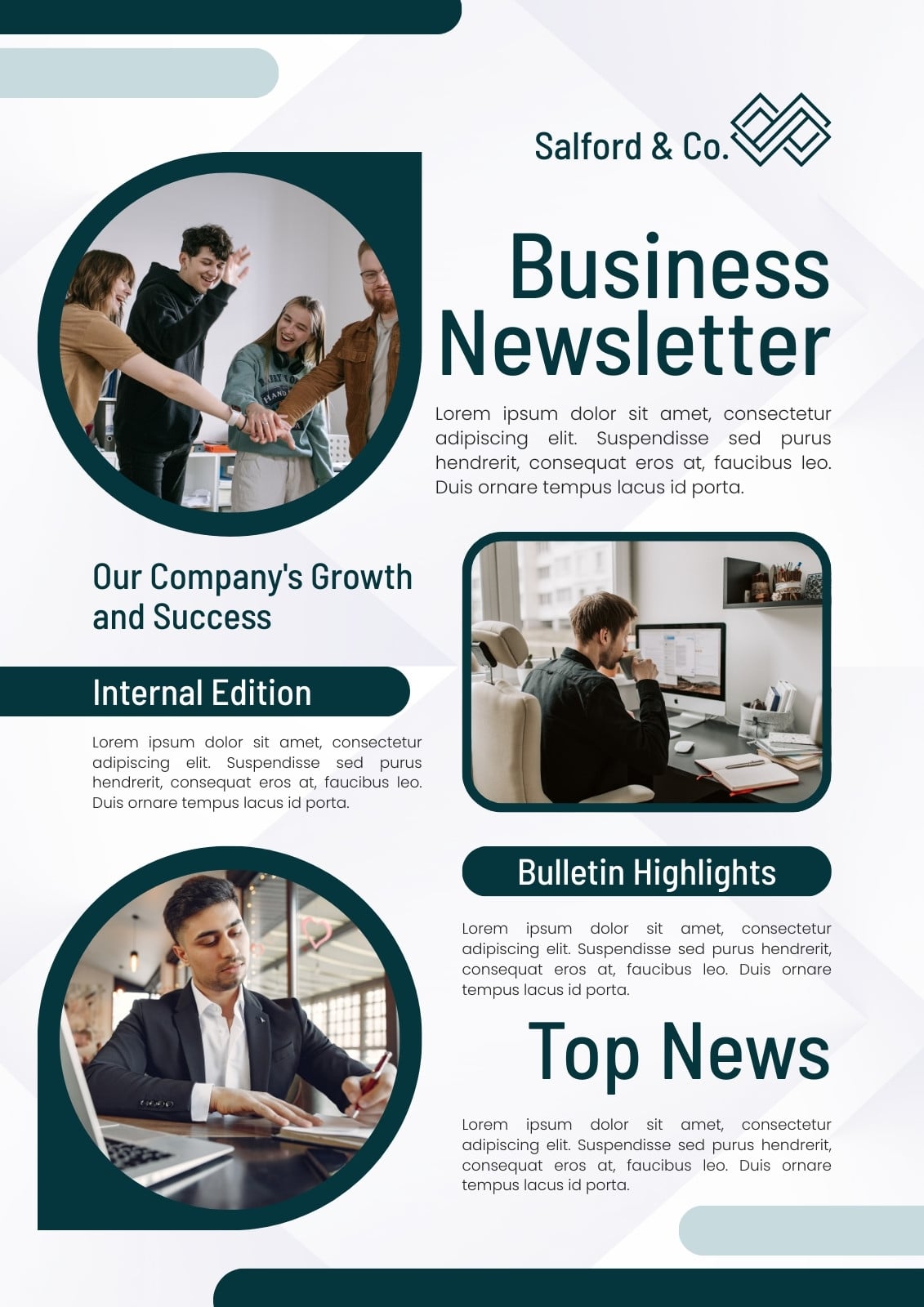
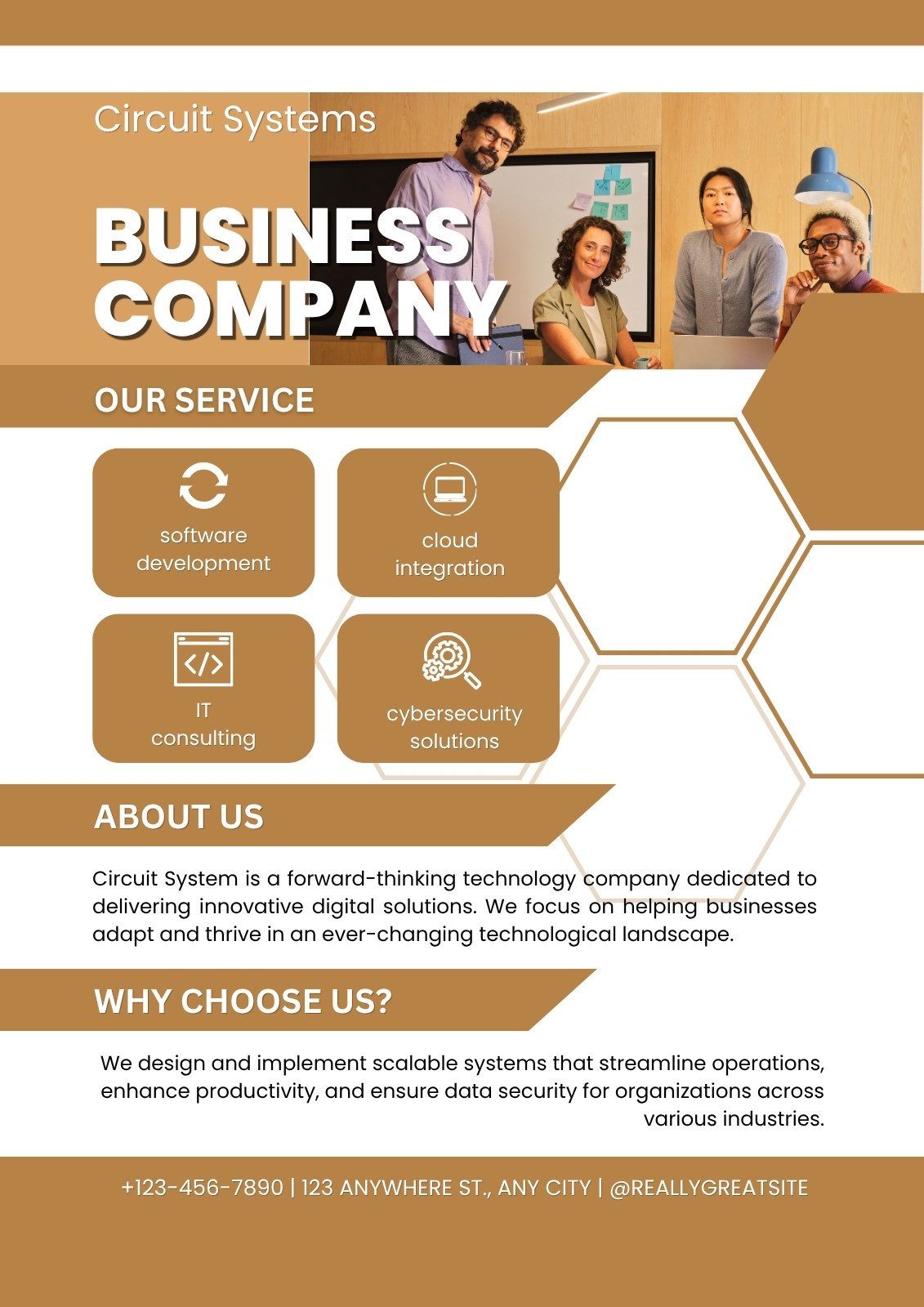
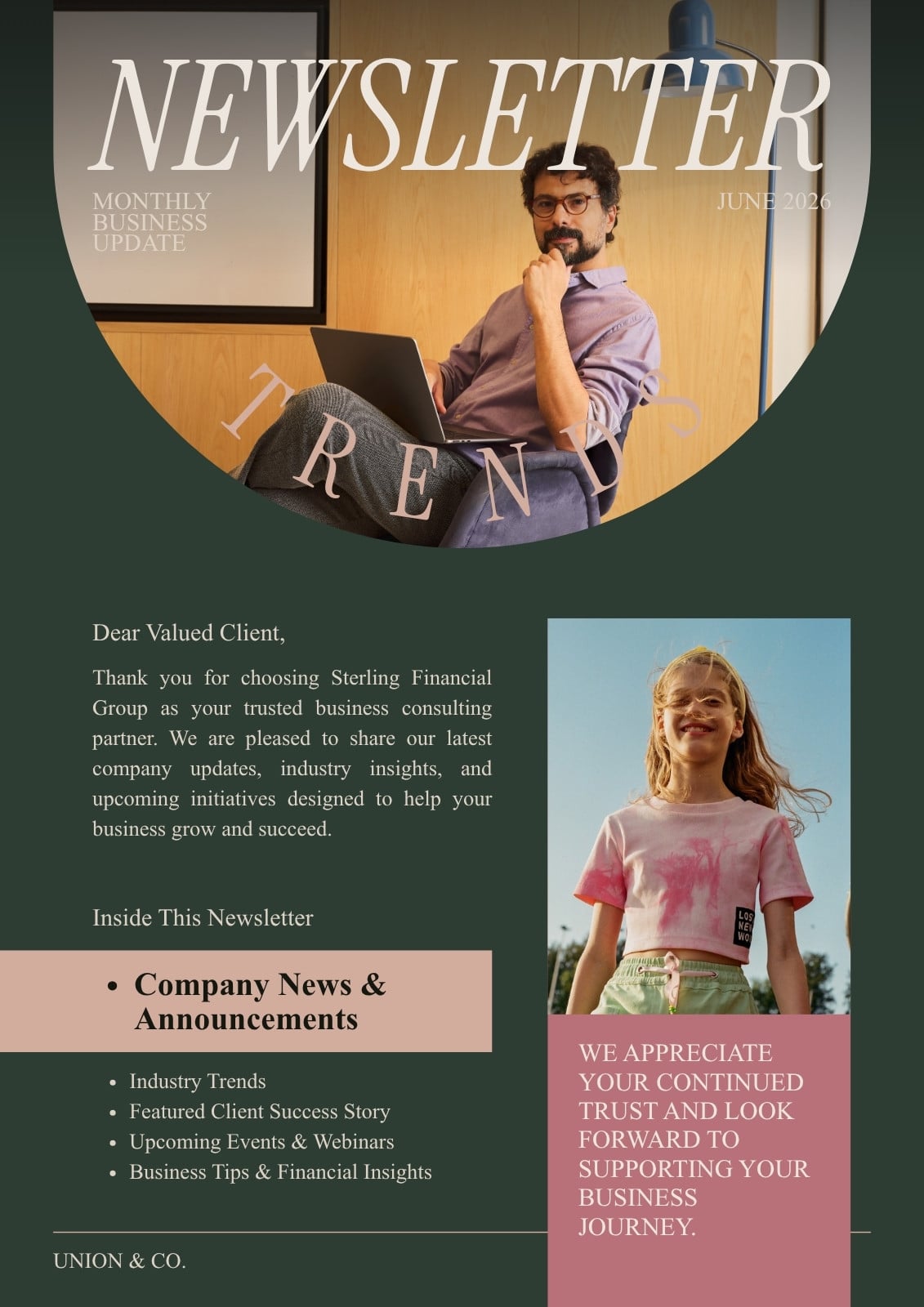
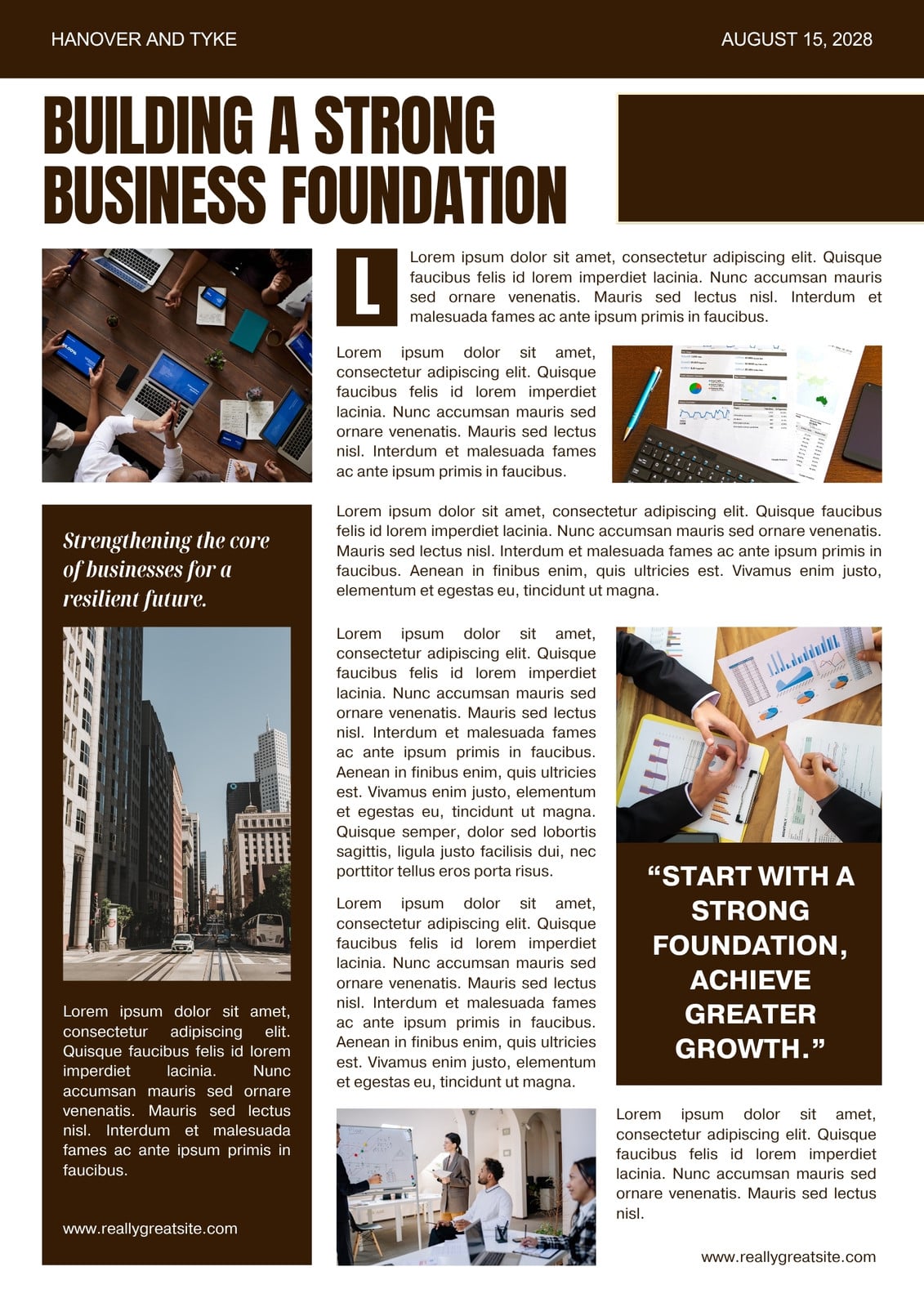
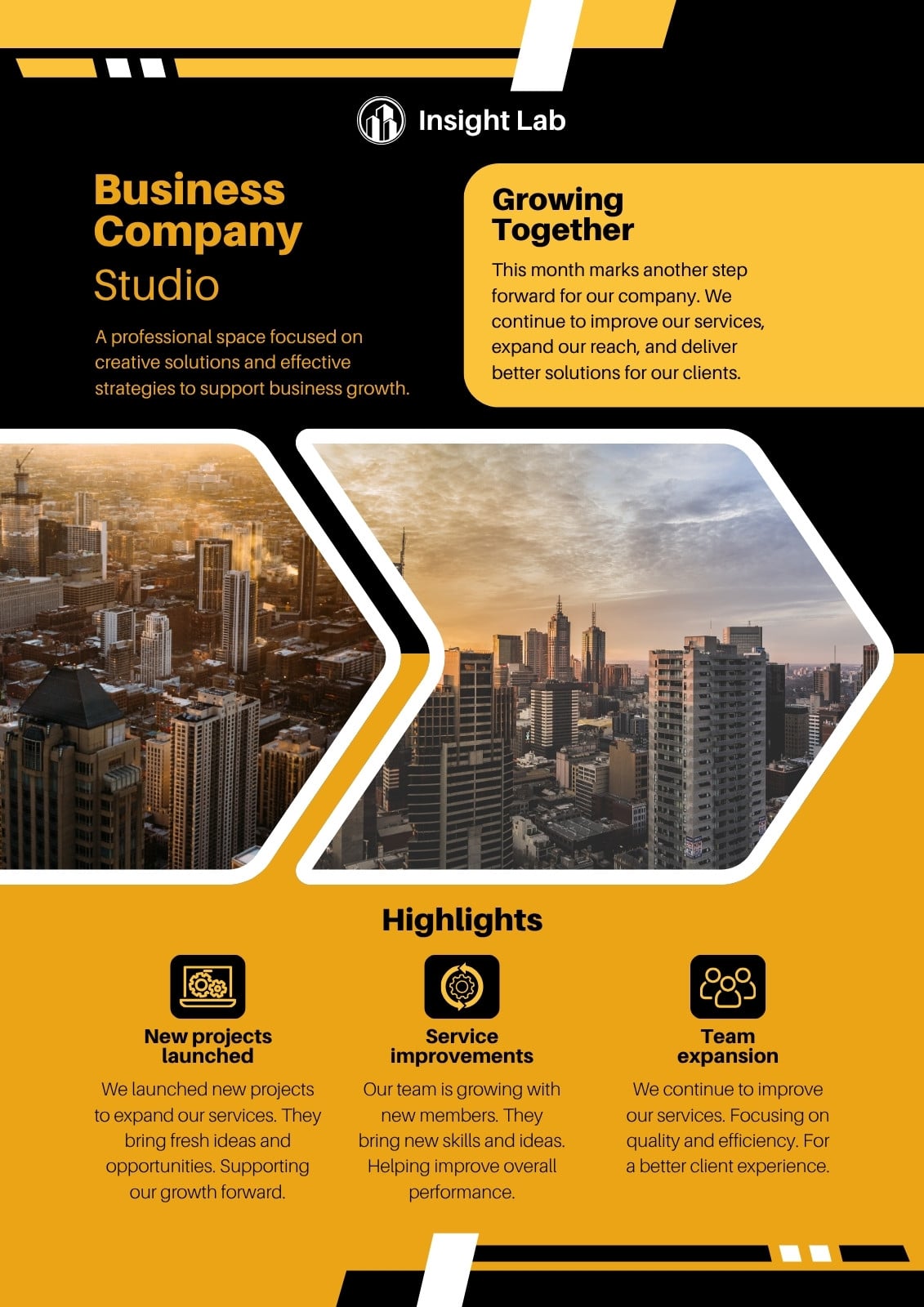
Spend more time polishing your content and leave the layout to us. Canva has a gallery of professionally designed company newsletter templates that you can grab and customize for free. Choose one that best fits the style and tone of your company newsletter and sample a ready-made layout in minutes.
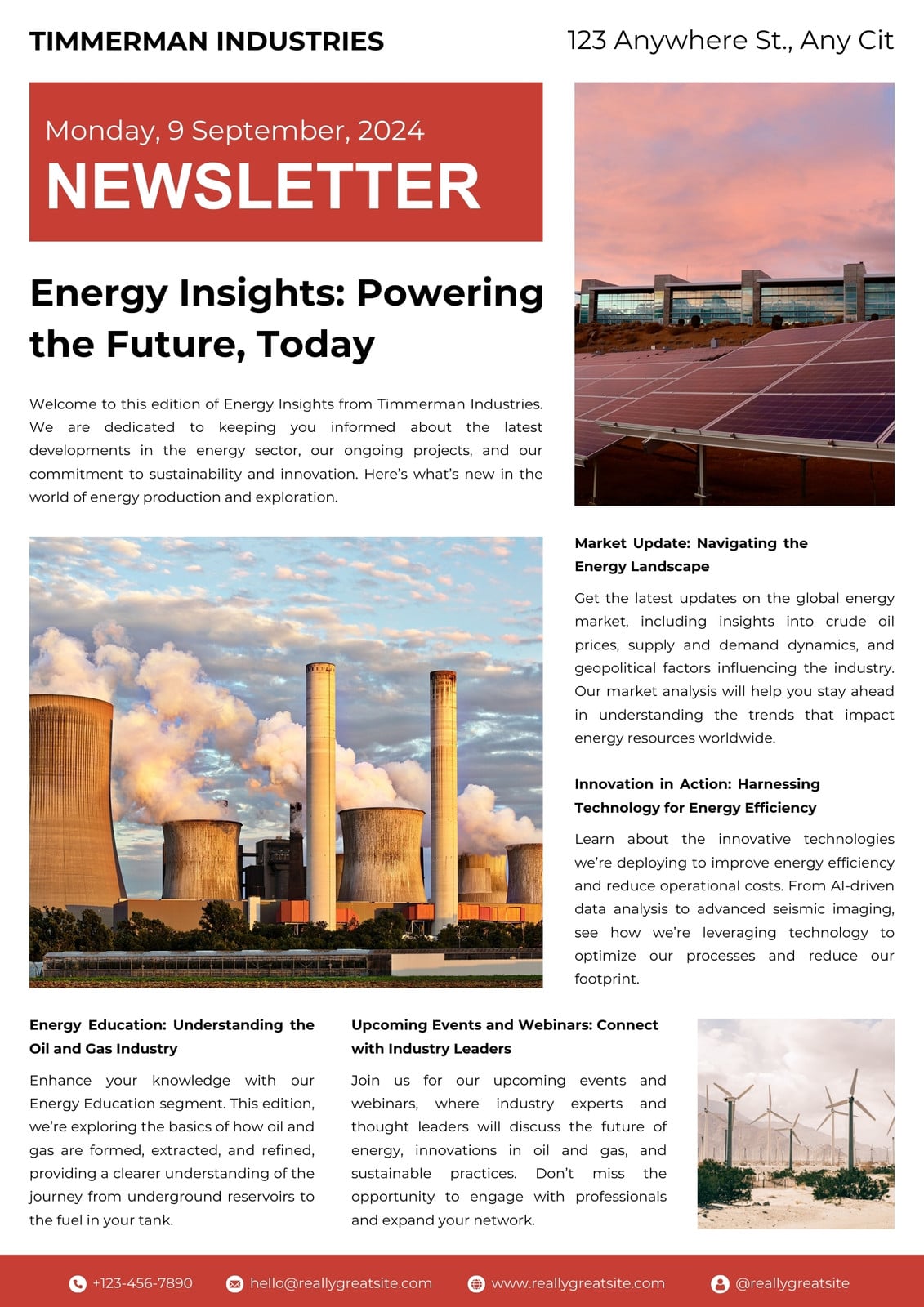
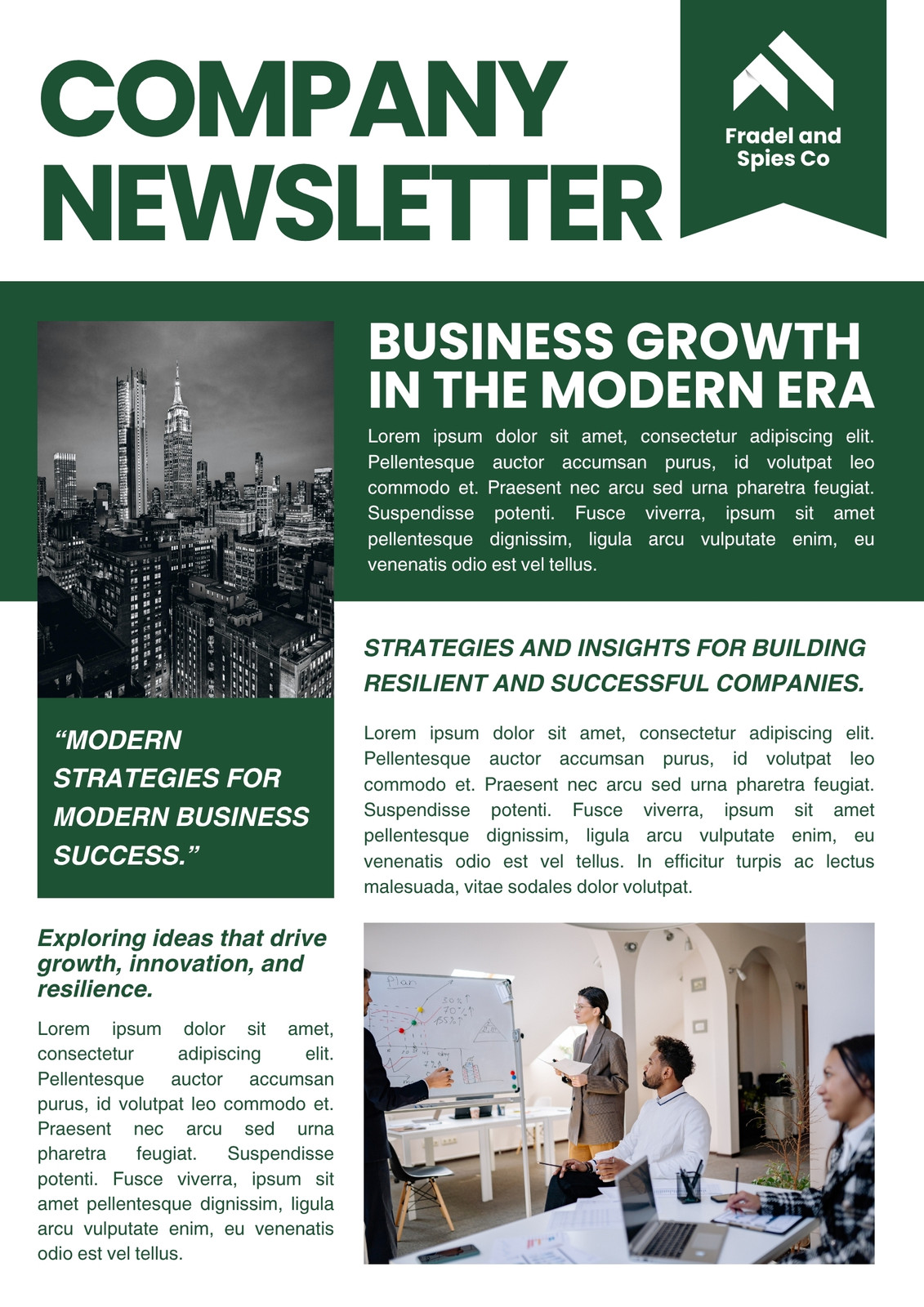
Got a few company newsletter ideas in mind but no professional design background? No worries. Canva’s selection of the best company newsletter designs can help you bring your ideas to life. We’ve got quite a range: from simple company newsletter templates in solid colors to bright and bold modern designs that will surely catch anyone’s eye. When crafting an internal company newsletter, it’s a great idea to stick with a signature look, so take your time looking through our templates to find a great match.
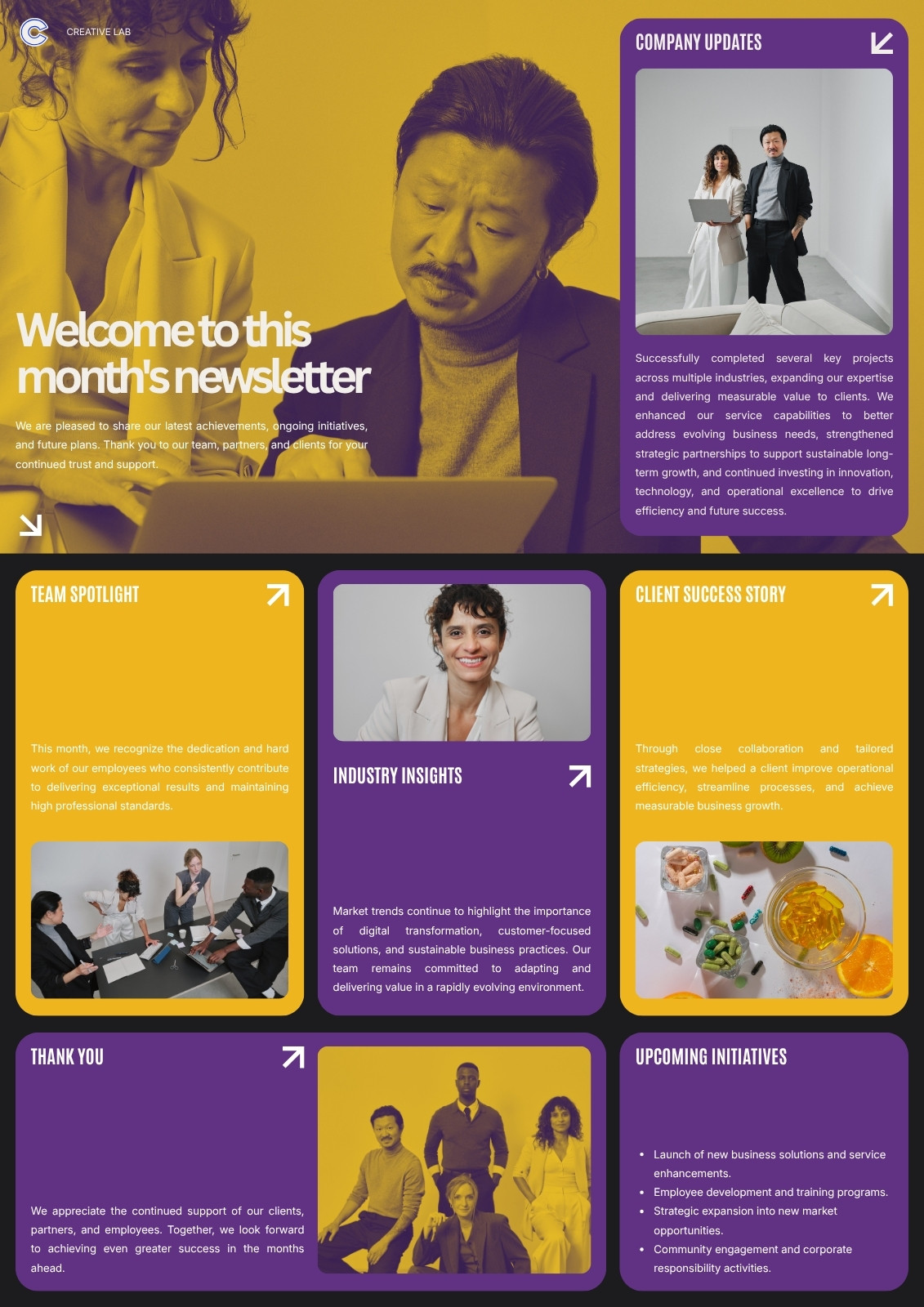
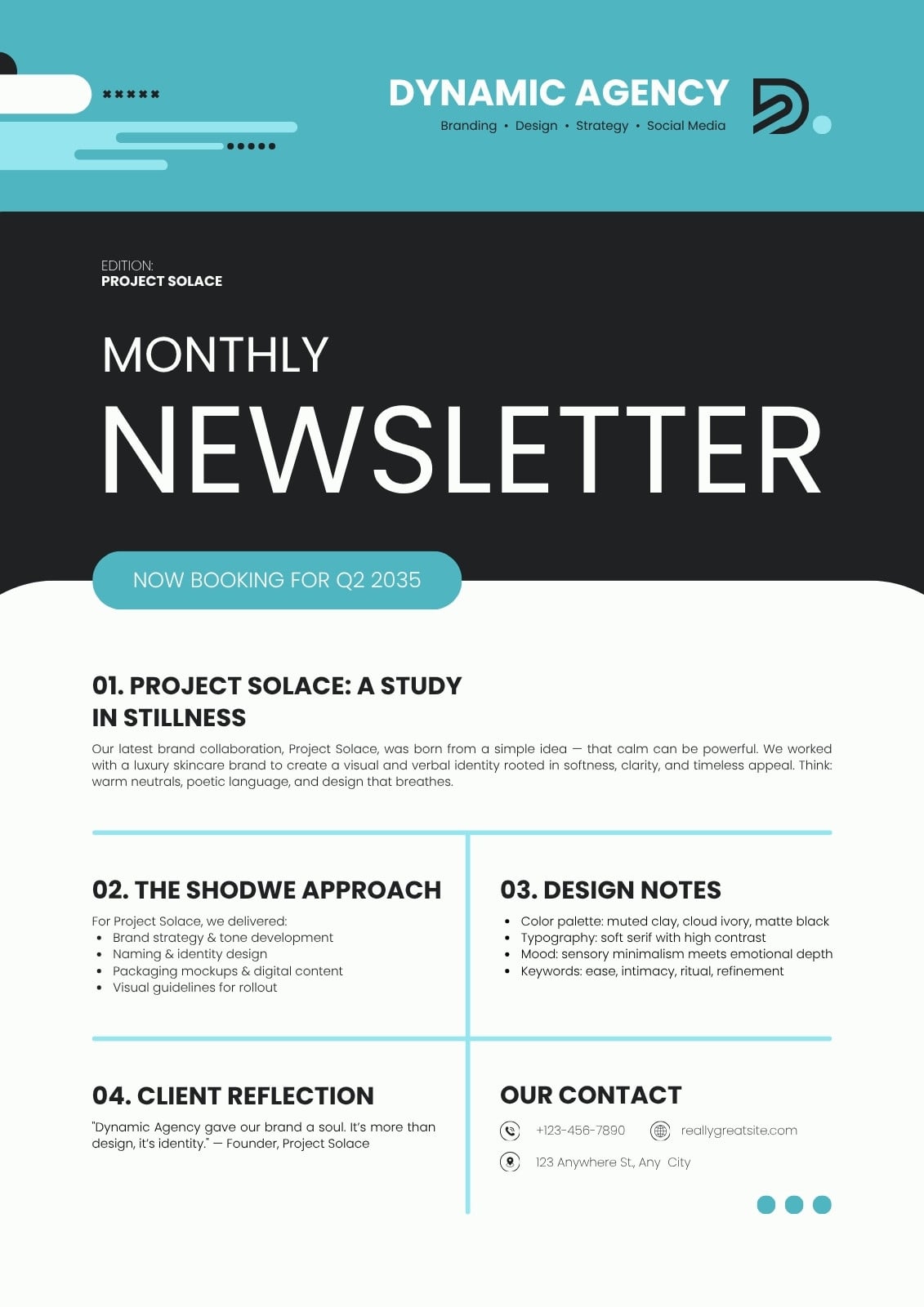
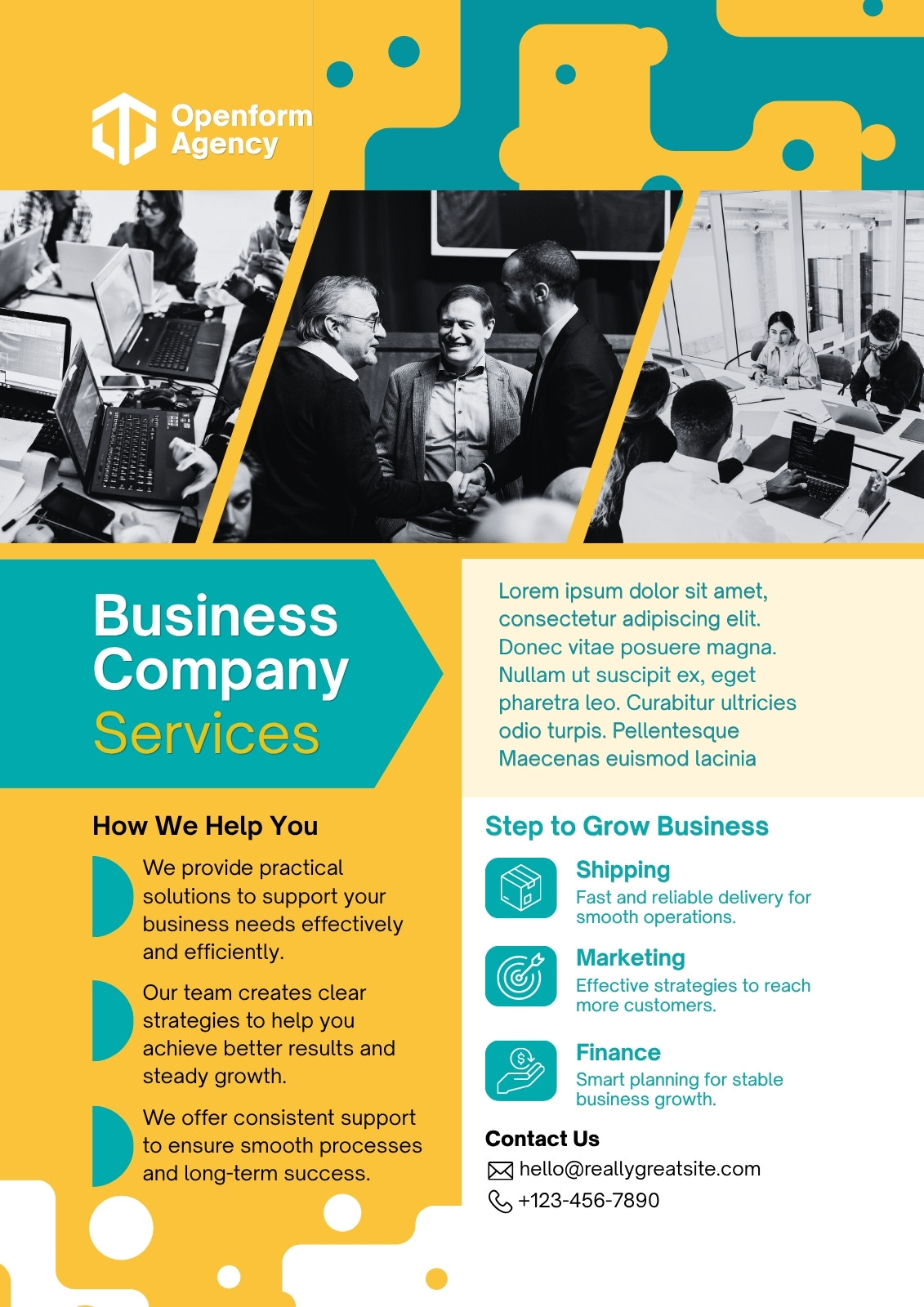
Can’t find exactly what you have in mind from our free company newsletter template selection? Don’t fret. That’s where our design dashboard comes in. To access our dashboard, click on one of our company newsletter samples, or start with a blank slate. Use your brand colors as inspiration when customizing your company or employee newsletter template. Easily upload your official logo on our dashboard and who knows, this might spark an idea or two. Plus, you need it to keep a company update newsletter official. Don’t be afraid to take inspiration from examples of the best company newsletters from other sources, especially if you’re running out of ideas. Finally, get your team’s input. Give them access to your draft and let them give their ideas and comments on the layout itself.
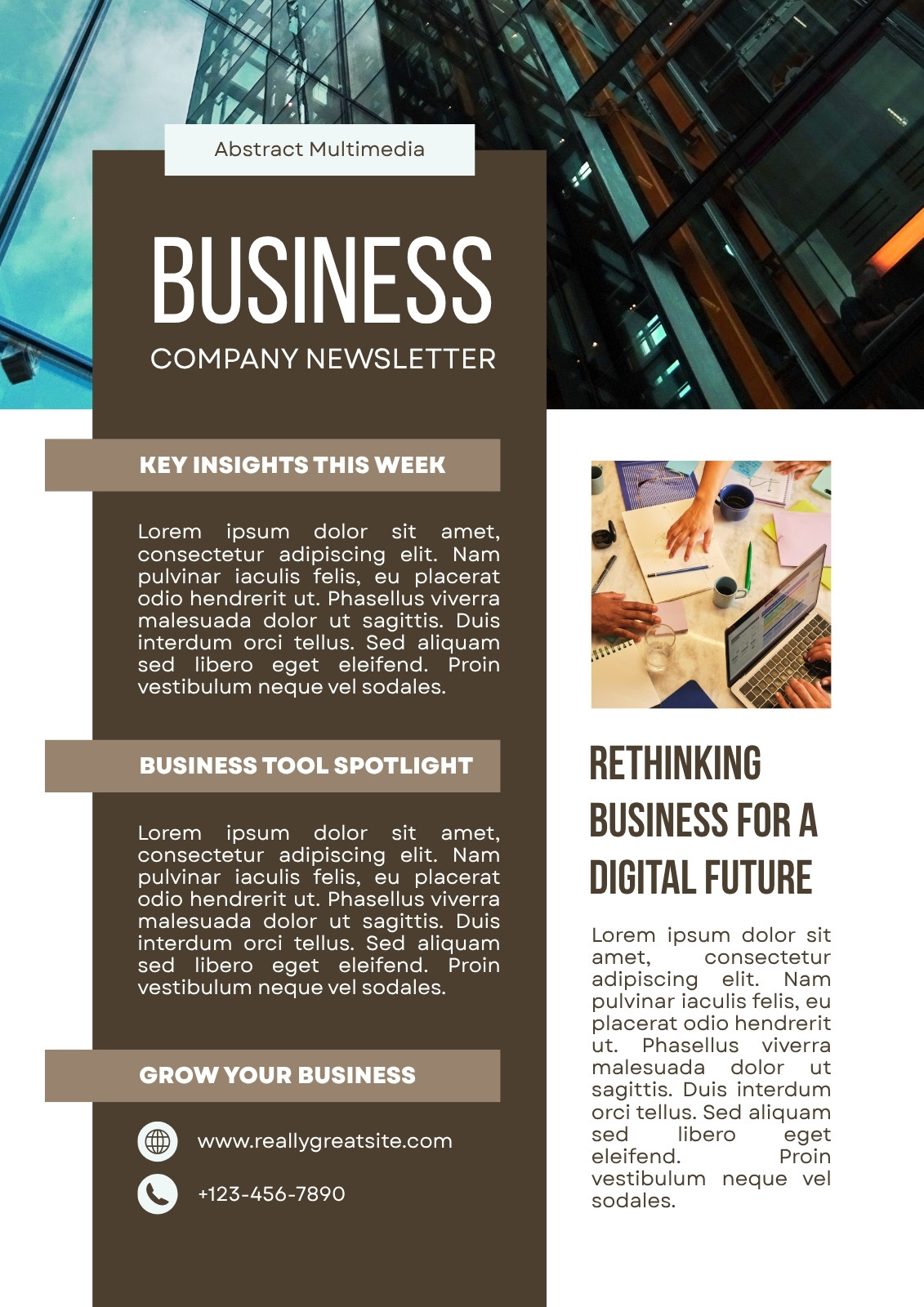
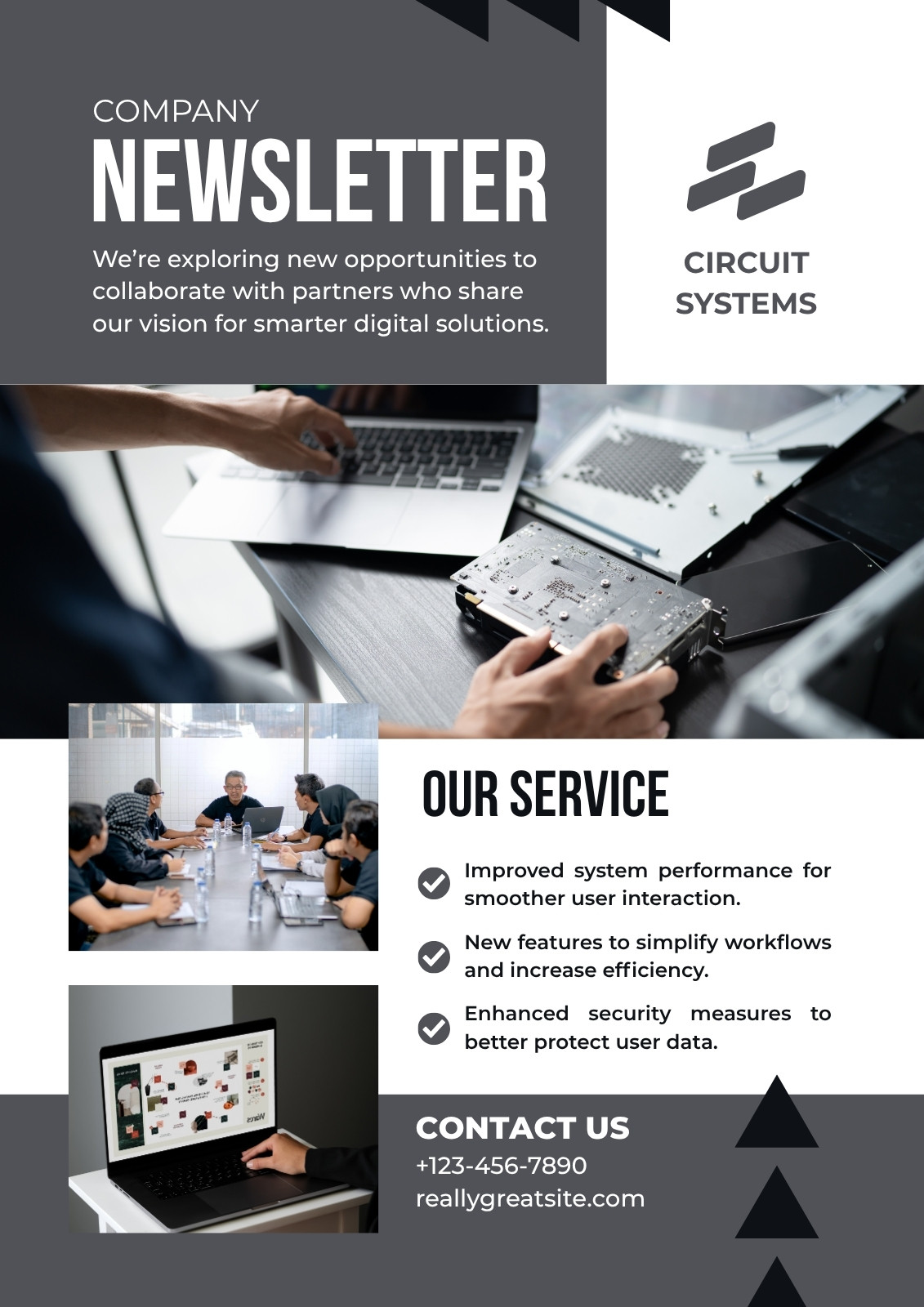
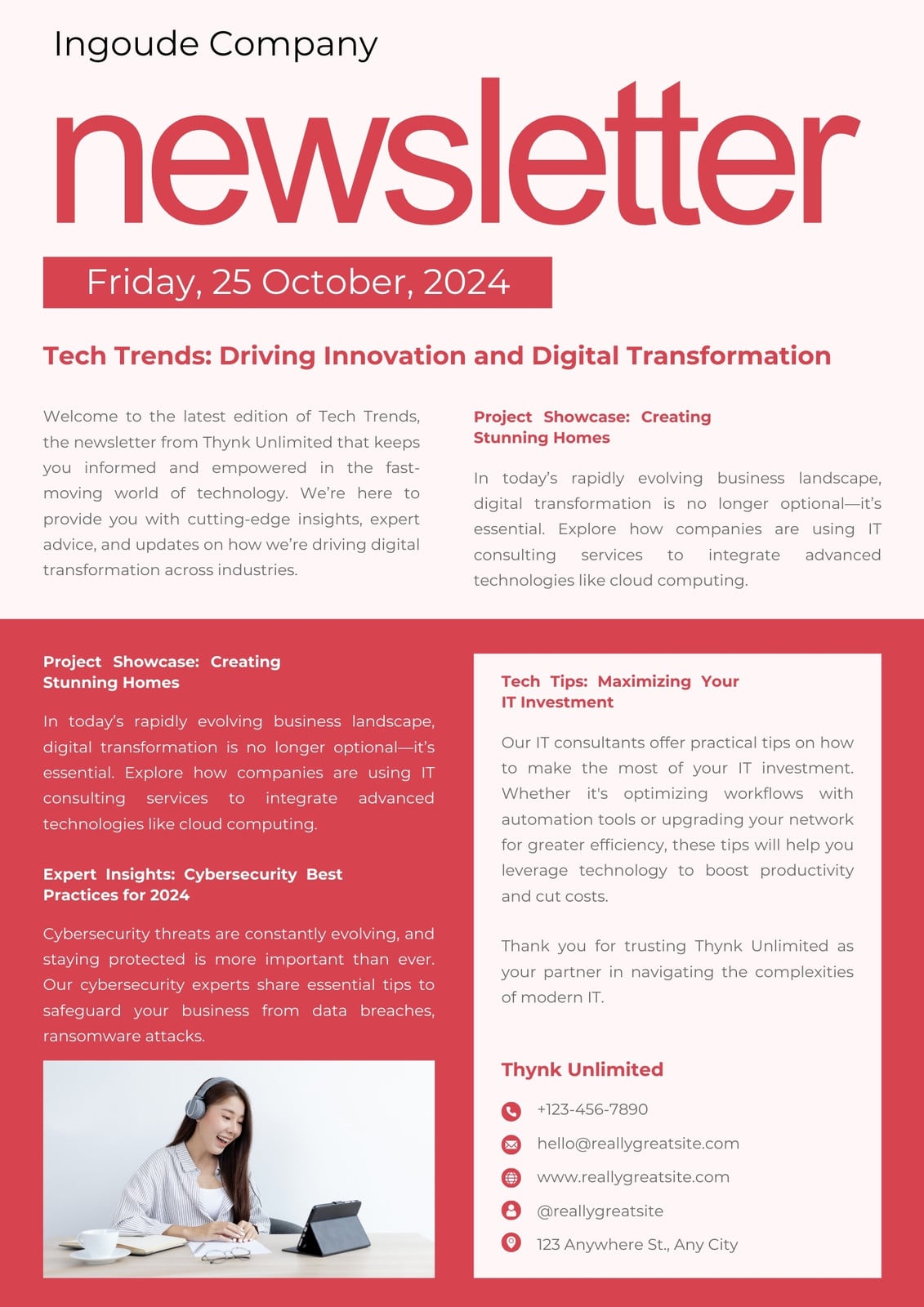
Once you’re done, time to hit send. If you’re using MailChimp to manage your newsletter, then connect your account to your Canva account and send everything straight from our dashboard. Or run a few copies to distribute in the office by choosing Canva Print.

How can you make sure that your company newsletter is effective and reaches the hearts and minds of your intended audience? It’s not enough to send one regularly and jampack it with information. Make sure your layout looks friendly and readable, your topics relevant, and your articles concise, infor...